
Office IT Relocation: A Complete Guide to a Successful IT Transfer
.webp)
Centralized management of your IT assets
Discover our all-in-one solution

Moving to a new office is rarely bad news. New premises, more space, sometimes a fresh start. But behind the excitement lies a project many companies underestimate: the IT transfer. Servers, workstations, network infrastructure, cabling, sensitive data. Everything needs to be moved, reconnected, and retested. And critically, without bringing operations to a halt.
This guide is designed for IT teams, facilities managers, and SMB leaders who want to approach their office IT relocation methodically, with no unpleasant surprises.
What Is an Office IT Relocation?
Definition and Scope of an IT Transfer
An IT relocation is the physical and logical transfer of an entire IT fleet from one site to another. It goes far beyond simply unplugging and plugging computers back in: it involves moving a complete ecosystem of hardware, software, data, and network configurations, while ensuring business continuity throughout.
The scope of an IT transfer typically includes:
- Workstations (desktops, laptops, monitors, peripherals)
- Physical servers and the server room
- Network infrastructure (switches, routers, firewalls, UPS units)
- IP telephony systems
- Cabling and patch panels
- Software licences and application configurations
- Data stored locally or on internal servers
Each component has its own requirements for handling, transport, and recommissioning.
The Specific Challenges of Moving IT Equipment
Moving professional IT equipment is nothing like transporting office furniture. Hardware is sensitive to shocks, vibrations, humidity, and temperature changes. A poorly packaged server can sustain irreversible damage over a short distance.
Beyond the hardware, the real stakes are the data. Data loss during a relocation can have direct consequences on billing, customer relationships, and regulatory compliance. Companies that don't prepare their IT transfer risk service outages that can last several days and prove extremely costly.
Why Thorough Preparation Is Essential
Maintaining Business Continuity During the Transfer
The number one priority of an IT relocation is keeping the business running. For an SMB, every hour of system downtime has a direct cost: blocked orders, paralysed teams, frustrated customers.
Rigorous preparation makes it possible to schedule the transfer outside production hours, put temporary failover solutions in place if needed, and define a priority order for bringing equipment back online, starting with the systems most critical to operations.
Protecting Sensitive IT Equipment
Servers, hard drives, and network equipment cannot withstand careless handling. A single impact, electrostatic discharge, or exposure to moisture can be enough to render a device unusable.
A secure IT transfer requires appropriate packaging (anti-static foam, rigid cases), specialist transport, and strict chain-of-custody management. Every piece of equipment must be identified, tracked, and signed off upon arrival.
Preventing Data Loss and Service Disruptions
Post-relocation failures are often caused by avoidable mistakes: a cable improperly reconnected, a lost network configuration, an incomplete backup taken before the move. Without preparation, these incidents compound and can turn a weekend relocation into a week of chaos for the entire team.
Key Steps to a Successful IT Relocation
Conducting a Full Inventory of Your IT Fleet
This is the starting point for any IT relocation project. Before moving anything, you need to know exactly what you're moving. That means listing every piece of equipment with its model, serial number, condition, and current location.
An accurate inventory helps anticipate packaging needs, specialist transport requirements, and technical staffing. It also identifies obsolete equipment that should be replaced rather than relocated, and flags configurations that will need reconfiguring upon arrival.

For more on this step, see our guide to carrying out an IT fleet inventory.
Drawing Up a Detailed Project Brief
The project brief is the reference document for the entire relocation. It defines the exact scope of the transfer, technical requirements, responsibilities for each stakeholder, and success criteria.
It should specify, among other things:
- The volume and nature of equipment to be moved
- The technical requirements of the new premises (power supply, cooling for the server room, connectivity)
- Scheduling constraints (permitted time windows, fixed dates)
- The roles of each provider involved (specialist removals company, managed IT services provider, telecoms operator)
Planning the Timeline and Logistics
A successful IT relocation requires planning several weeks in advance, ideally six to eight weeks for a mid-sized fleet. The timeline must account for all dependencies: terminating and activating ISP contracts, preparing the new premises, and ensuring technical teams are available.
It's advisable to schedule the move on a weekend or during a low-activity period, and to build in a testing phase before full operations resume.
Identifying the Required Technical Resources
Depending on the size of the fleet and the complexity of the infrastructure, an IT relocation may require very different technical profiles: network administrator, cabling technician, security specialist, certified removals provider. Identifying these resources in advance prevents bottlenecks on the day of the move.
Moving IT Equipment: Best Practices
Safe Transport of Hardware and Servers
Transporting professional IT equipment is not something to improvise. Devices must be properly dismantled, packaged with anti-static and anti-vibration protection, and transported in appropriate vehicles. For critical servers and network equipment, some providers offer escorted transport with full traceability.
Every piece of equipment must be labelled before departure and checked upon arrival. This level of rigour is what prevents losses: missing power cables, forgotten peripherals, equipment mixed up between departments.
Disconnecting and Reconnecting Workstations
Workstation disconnection must follow a documented procedure. For each device, you need to ensure that local data is backed up, user profiles are properly saved, and specific configurations (business software, network mappings, printers) are documented to simplify reconnection.
Upon arrival at the new premises, each workstation must be individually validated before being put back into service. Depending on the complexity of the device, this process can take between 30 minutes and an hour per machine.
Relocating the Server Room and Network Infrastructure
The server room is the most sensitive part of an IT relocation. It requires specific preparation of the new premises: adequate cooling, secure power supply with UPS units, and structured cabling suited to the infrastructure's requirements.
Servers must be powered down in a precise sequence, carefully removed from racks, transported separately, and reinstalled in line with the original architecture. Start-up must be supervised by a qualified technician, ready to intervene if any anomaly arises.
Managing Cabling and Installation in the New Premises
Cabling is often the most time-consuming part of an IT relocation. New premises typically require a structured cabling installation (RJ45 network, fibre optic) that must be completed before the equipment arrives.
It's also an opportunity to start fresh with a clean, well-documented installation: an up-to-date cabling plan, a properly labelled patch panel, tidy cable management. A clean installation makes future interventions significantly easier.
Protecting Data During an IT Relocation
Full Backups Before the Transfer
Before disconnecting anything, all critical data must be backed up. This means a complete backup of all servers, databases, and user endpoints that store data locally.
These backups must be stored on an external medium or in the cloud, physically separate from the fleet being relocated. Should an incident occur during transport, they are the only safety net.
Protecting Sensitive Storage Media During Transport
Hard drives, USB drives, NAS servers, and other storage media containing sensitive data must be treated as integral elements of the security chain. This involves encrypting sensitive data before transport, maintaining strict traceability of all media, and where necessary, transporting them separately from the rest of the equipment.
Legal obligations (GDPR in particular) also apply during the transport of data: the loss or theft of unencrypted media can expose the company to significant penalties.
Verifying Data Integrity After Installation
Once systems are back online, verifying data integrity is a step that is often overlooked and shouldn't be. The goal is to confirm that data is complete, accessible, and uncorrupted before signing off on the relocation.
For critical databases, functional tests should be run. For file servers, a spot-check verification can help detect any potential corruption.
Recommissioning and Post-Relocation Testing
Verifying Network Infrastructure
The first step in recommissioning is the network. Before switching on user workstations, the network infrastructure must be fully operational: active internet connectivity, configured VLANs, firewall up and running, DHCP server functioning.
A full connectivity test validates that the network architecture matches the planned design, before teams begin working from the new premises.
Testing Workstations and Devices
Each workstation must be tested individually: network connection, access to shared drives, email, business applications, printing. This is the stage where reconfiguration issues surface: static IP addresses to update, certificates to reinstall, software licences to reactivate.
A formalised acceptance protocol, with a checklist of points to verify per device, helps systematise these tests and ensures nothing is missed.
Ensuring a Fast Return to Normal Operations
The ultimate goal is a swift return to normal operations with minimal impact on team productivity. To achieve this, a clear internal communication plan must be prepared in advance. Employees need to know when they can resume work, what temporary limitations may be in place, and who to contact if something isn't working.
Having dedicated technical support available on the first day back is essential for resolving any residual incidents quickly.
Common Mistakes to Avoid in an IT Relocation
Underestimating the Preparation Time Required
This is the most common mistake. An IT relocation takes weeks to prepare, not days. ISP contract notice periods, preparing the new premises, cabling, coordinating between providers: all of this takes time. Starting too late risks costly delays or a rushed, poorly executed recommissioning.
Neglecting IT Fleet Documentation
An undocumented IT fleet is a recipe for problems during relocation. If no one knows exactly what is plugged in where, what state a given server is in, or what configuration a particular workstation uses, the day of the move quickly becomes a nightmare. Documentation is the project's insurance policy.
Failing to Communicate With Teams
An IT relocation directly affects every employee. Failing to inform them in advance about downtime windows, configuration changes, or new procedures generates stress and a flood of helpdesk calls. A simple communication plan, circulated early enough, is usually sufficient to avoid most of the friction.
Bringing in a Specialist Provider for Your IT Relocation
The Benefits of Professional Support
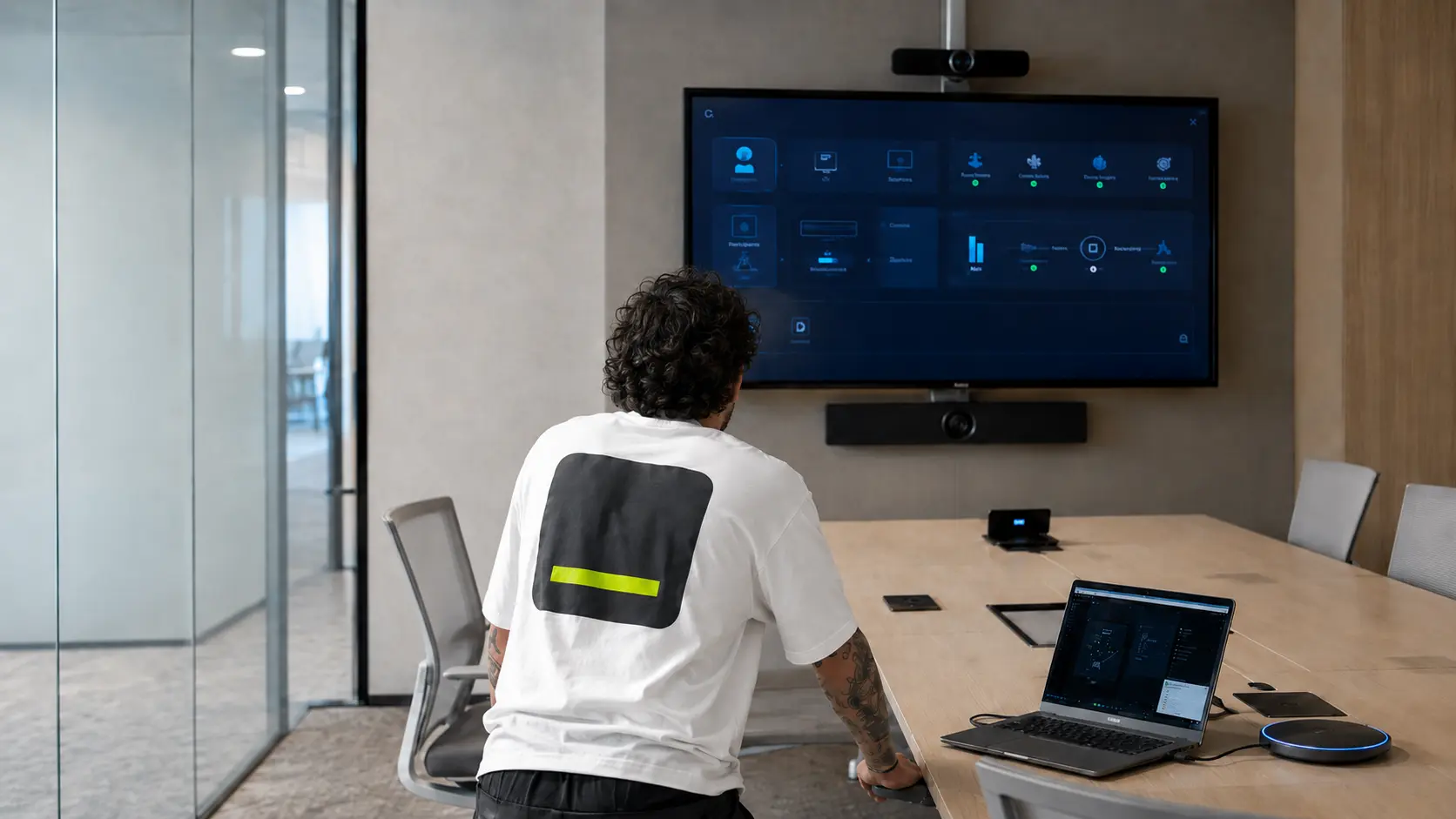
A specialist IT relocation provider brings three things an in-house team rarely has: experience from dozens of similar projects, the right transport equipment (anti-static cases, secured pallets, temperature-controlled vehicles), and the ability to work across multiple workstreams simultaneously.
Handing the IT workstream over to an expert also allows the internal team to focus on operational continuity rather than relocation logistics.
How to Choose the Right Partner for Your IT Transfer
A strong provider should be able to share references from comparable projects in terms of size and complexity. They should present a clear methodology (prior inventory, transport plan, recommissioning protocol) and be able to provide a detailed quote that covers the full scope of the project, with no grey areas.
Key criteria to assess: experience with server room relocations, insurance coverage for transported equipment, ability to work outside business hours, and availability of post-relocation technical support.
rzilient's Expertise for Managing Your IT Relocation
rzilient supports SMBs throughout the full lifecycle of their IT fleet, from device onboarding to offboarding, and through transitional moments like office relocations. With a centralised view of the entire fleet, rzilient enables companies to approach a relocation with an already up-to-date inventory, documented configurations, and full traceability for every device at every stage.
That's exactly what Garantme experienced during the relocation of their team's IT equipment: a seamless transition, with no disruption, and complete visibility over every device throughout the process. Similarly, the Ykone relocation case illustrates how well-structured fleet management upfront radically simplifies the day of the transfer.
Frequently Asked Questions About Office IT Relocation
How much time should be allowed for an IT relocation?
Preparation time depends on the size of the fleet and the complexity of the infrastructure. For an SMB with 20 to 50 workstations, a minimum of 4 to 6 weeks of preparation is required. For a larger fleet with a dedicated server room, the recommended minimum lead time is 8 to 12 weeks. The transfer itself is generally carried out over a weekend, but the testing and stabilisation phase may require a further 2 to 3 days.
What is the average cost of a business IT relocation?
Costs vary significantly depending on the volume of equipment, the distance involved, technical staffing requirements, and the level of service expected. For an SMB with 20 to 50 workstations, budgets typically range from €3,000 to €15,000 all-in. The main cost drivers are specialist transport, technical labour for disconnection and reconnection, and any cabling work required in the new premises. Requesting multiple quotes with a clearly defined scope is strongly recommended.
How can you minimise disruption to operations during the transfer?
Several levers help reduce the impact: scheduling the transfer on a weekend or outside critical business periods, prioritising the recommissioning of the most strategic systems, putting temporary failover solutions in place (VPN access, cloud-based tools) for critical functions, and having dedicated technical support available on the first day back. With rigorous preparation, it is entirely feasible to resume normal operations on Monday morning following a weekend relocation.
Should IT equipment be moved at the same time as office furniture?
No, and it's actively advised against. IT equipment should be handled by a dedicated team, with appropriate transport materials and a specific protocol. Mixing it in with furniture on a standard removals lorry exposes the equipment to unnecessary risk. The IT transfer should ideally be carried out in two distinct phases: first the sensitive equipment (servers, network) in an initial technical intervention, then the user workstations, ideally the same weekend as the furniture but in separate vehicles with a dedicated technical team handling reconnection.

.webp)
.webp)
.webp)