7 best practices for managing flex and remote office as an Office Manager

Discover our all-in-one solution

You may have seen this news from Rzilient on LinkedIn : our team had the pleasure of participate in the Office Managers Professional Summit, for its 7th edition! 🎉
So many great encounters, nice and rich exchanges! This participation was also an opportunity for us to discover new practices, useful for the daily organization of an Office Manager. And that's not all: we organized a workshop on the theme of optimizing the employee experience! 👏
Three top Office Manager speakers!
We take this opportunity to thank our three speakers during this workshop, exceptional Office Managers :
- Laura Floury from PlayPlay ;
- Myriam Berthieu of Worldia ;
- and Clémence Vaucel of the France Digitale.
They played the game brilliantly, shared their expertise and engaged the workshop participants in great interactions!

Laura, Myriam and Clémence work for companies with very different contexts.
Playplay is a simple and intuitive video creation software, which allows communication teams, HR and Office Managers to create impactful content! 📹 The company with 230 employees is present in France, the United States and Germany. 40 of its employees in France work in full remote. Playplay has adopted a supervised remote work policy: employees who are not in full-remote must work at least 2 days a week in the office.
On the side of Worldia, a new generation connected tourism operator, Clémence explains to us that the organization is hybrid and supervised. Technical teams, for example, are completely teleworking. ✈️
Chez France Digitale (the largest community of startups and investors in France), we learn from Clémence that a maximum of 3 days of remote work are allowed per week. Given the specific activity of France Digitale, which organizes large-scale events, a complementary rule exists: the entire team must work 100% face-to-face 2 weeks before each important event! 💻
Our three speakers shared their Office Manager experiences on a daily basis and the best practices to adopt in this business. Laura and Myriam also gave feedback on the use of Rzilient platform to manage their computer equipment. rzilient helps them enormously to manage their organization remotely and flex office, and saves them a lot of time!
We take this opportunity to remind you of two key figures, which highlight the importance of teleworking today in France:
- 47% of businesses use teleworking;
- and 60% of employees prefer remote work.
A look back at the 7 best practices presented during the workshop!
Best practice n° 1: choose your work organization well
The first step to boost the employee experience in your company: choose the most appropriate way of organization. 💼
4 main ways of organizing work exist today:
- 100% office;
- 100% remote;
- supervised flex (number of teleworking days imposed);
- free flex (everyone does as they see fit!).
Our speakers insist on the fact that there is no such thing as No one-size-fits-all solution. On the contrary, the choice of work organization depends on many factors. 🎛️
To choose the best solution for your business, you will need to take into account the expectations and rights of remote employees, then define and communicate precise rules.
Best practice 2: carefully select your daily tools
Our stakeholders all believe that he is important to impose the tools chosen and to avoid multiplying them. If there is a minimum of framework, the risk is that each employee installs his favorite tools on his computer and that your company's software park becomes unmanageable! 💥
You must also ensure that your employees have the necessary tools to feel connected to their team and that they can collaborate effectively. 📳
Some iT tools are crucial to help Office Managers achieve good management of their work:
- a computer asset management platform like Rzilient;
- an HRIS;
- and a collaborative workspace (Notion or Slack).
On the technical side, some less visible applications are however essential for everything to go well. Examples include a VPN and tools for securing workstations.
Myriam, at Worldia, appreciates Notion and Laura from Playplay uses the tool Offishall (hybrid workspace management), which is useful for:
- inform your employees where they work from every week (at home, remotely, with a client, on vacation, etc.): everyone thus easily knows where their team is located;
- book an office when you come to work on your company premises.
For France Digitale, Clémence specifies that the whole team is working on Google Drive, which allows for permanent and instant sharing of files. 👏 Slack strengthens the system of communication tools, and emergency levels have been put in place, to favor the appropriate channel to obtain a rapid response. Clémence also alerts us to the importance of having a good video system, otherwise frustrations and losses of time may occur! ⏲️
This visual summarizes the main software components for a company operating in flex or remote mode:
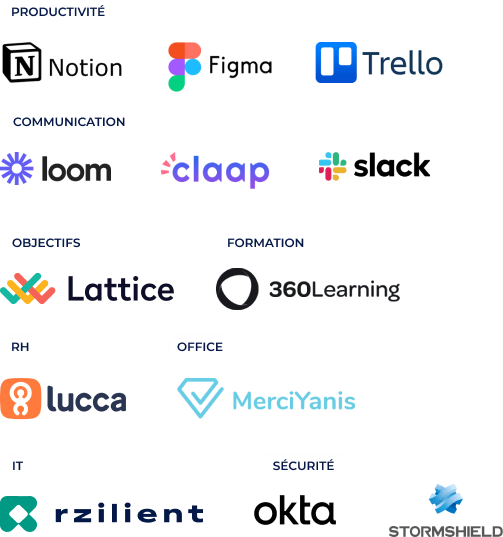
Our advice: Google or Microsoft 364 for the work environment and Slack for your team's communication.
Best practice #3: Make the employee experience a positive one
How to ensure the well-being of employees? Of Many factors are essential for a favorable employee experience, and in particular good internal communication.
To achieve this, you need to:
- schedule regular meetings (factor of cohesion in your team);
- And also that you encourages informal communication, which avoids the isolation of your employees. 🥂
At Playplay, the system is very complete:
- The collaborators exchange one-to-one at least once a week with their manager;
- twos “stand up” team meetings are organized every week, as well as “deep dive” points to dive into the details of the projects;
- Of monthly meetings on the general progress of the projects are also planned. 🗓️
Myriam shares some of the tools deployed at Worldia. Of satisfaction surveys are systematically submitted to new arrivals, following their Onboarding. And with the Lucca tool, The mood of the day can be easily shared by employees, in order to take the pulse of the team. Weekly and annual interviews complete the range of tools to maintain the link.
Best practice 4: take care of your onboarding process
Our speakers also highlight the crucial aspect of onboarding. It is vital that new employees feel good as soon as they arrive, that they understand the challenges and their mission, in order to be effective as quickly as possible.
And you surely know that, manage onboarding of a remote person is all the more important because of the remoteness, but also more complex. 🙇
Clémence shows us the two main stages at France Digitale:
- A Notion link is sent to each new employee, before arrival, including the rules related to teleworking;
- Insurance documents and letters attesting to the desire to use teleworking are requested as soon as possible.
Myriam, at Worldia, uses the Rzilient computer asset management platform systematically during his onboarding, to:
- check and order computer hardware ;
- create accesses and required passwords;
- register iT equipment and software used;
- Send iT equipment with the newcomer;
- Send invitations to onboarding meetings.
.webp)
Best practice n° 5: delegate the management of your computer equipment
Les MDM solutions work wonders for your organization and make your life as an Office manager easier!
They allow you to remotely control your teams' computers, in order to:
- install (or uninstall) applications remotely;
- launch updates;
- ensure that each computer is suitable and ready to be used.
For example, Playplay experienced a period of strong growth in 2021. 📈
Twenty new employees arrived every month, often at the last minute!
All of this activity was causing stress and disorganization. 😔
Laura had a lot of trouble managing everything, especially when it came to the stock of Playplay computers. And in order not to make things easier, the company does not have an IT manager and Laura does not have an IT background. Setting up the Rzilient platform was a real relief for her. 👍 Laura only needs to A few minutes to do your onboardings, and can visualize the status of your computer equipment at a glance !

Best practice 6: boost your corporate culture
When working in flex or remote mode, corporate culture is a powerful lever for maintaining cohesion and motivation in your teams. This duality between working from home and in the office can be tricky to manage, as explored in this article on Home and Office: is it really compatible?
To strengthen the culture of your company, our consultants have some advice to offer you!
At Worldia, numerous events are organized:
- Blind Tests and other games;
- Team lunches with the discovery of specialties from a different country on each occasion;
- one Summer party And a End of year event. 🎄
On the Playplay side, Laura is organizing mini team building activities, at least once a month: a Kahoot quiz or a Blind Test on “What the Tune?” 🎤
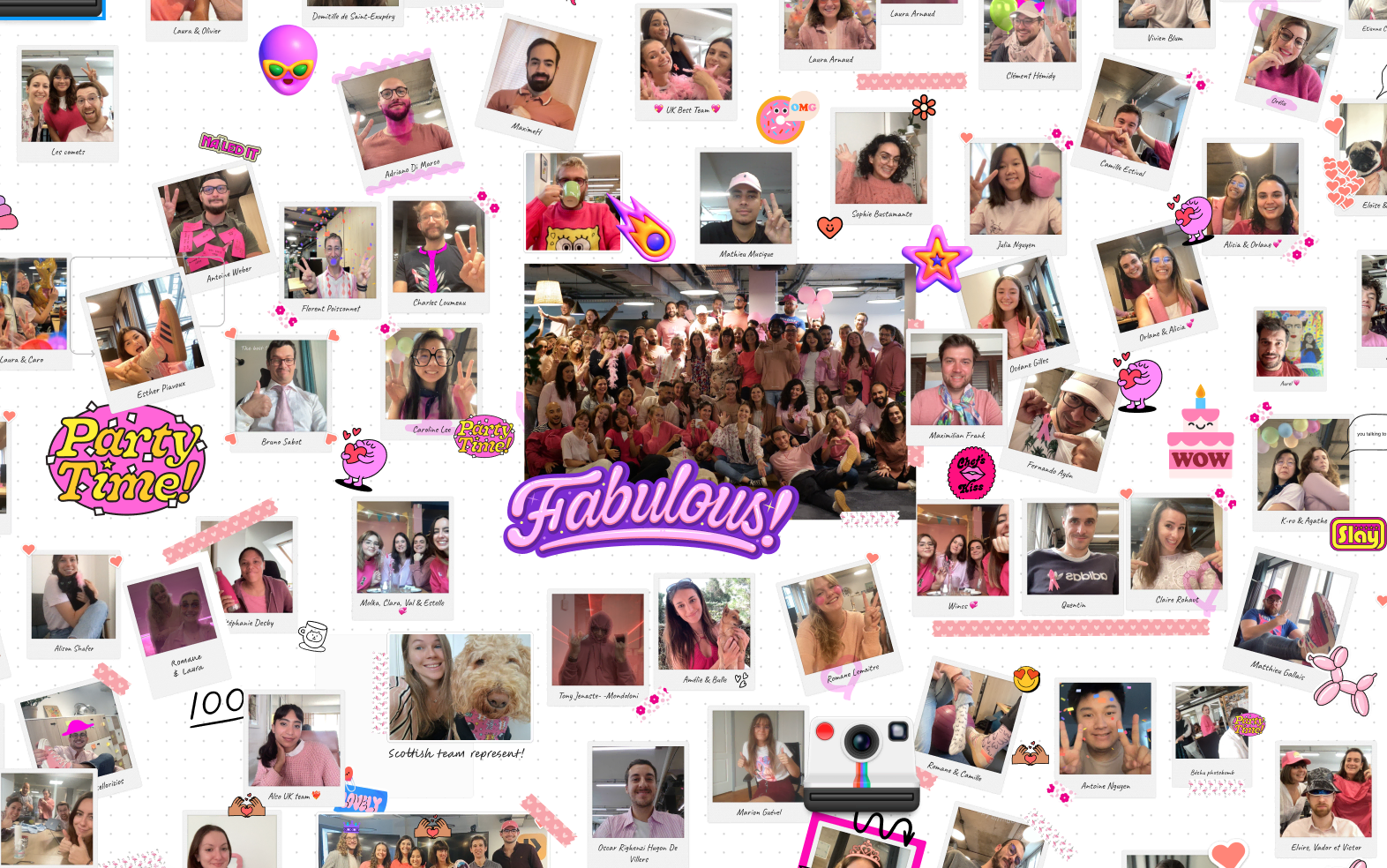
She also set up a virtual photobooth. Employees can take photos of themselves, whether they are in the office or alone at home with their cat or dog! The whole team can then consult the photos, interact, comment and create links, all in color and in a very fun way! 📸
Best practice 7: don't give up offboarding!
The Departure of an employee, otherwise called offboarding, is a key moment that must be treated with seriousness and organization.
If this is not the case, you risk:
- paying for software licenses unnecessarily; 💶
- not to find the computers of the employees who left; 💻
- deal with fraudulent uses of your company data.
With the Rzilient platform, you benefit from invaluable help. Indeed, at the departure of each employee:
- The licenses are canceled automatically ;
- material reception is managed and organized by rzilient ;
- The computers are reset remotely.
Laura explains to us how Playplay operates when an employee leaves, using the Rzilient platform. She:
- send him a packing slip, along with the process to follow to return his computer;
- Send them instructions on how to disconnect their iCloud account;
- perform the reset on Rzilient, when it receives the employee's computer;
- and finally, it assigns the computer to the stock, in preparation for its use for a future onboarding!
.webp)