
Fleet and user management
Suggestions:
What do the different statuses for the equipment on the platform correspond to?
Starter
|
Essential
|
Scale
|
Administrator
User
From the “Fleet” tab, you have access to several data including a status for each equipment* in your fleet:
- Active: registered and active
- Enlisted: registered (becomes active after several synchronizations)
- Removed: removed from MDM
- Unmanaged: device that is no longer managed by the MDM (after an erasure for example)
- Unknown: device not recognized by the MDM as a computer/phone
- Pending: action in progress in the MDM on the device
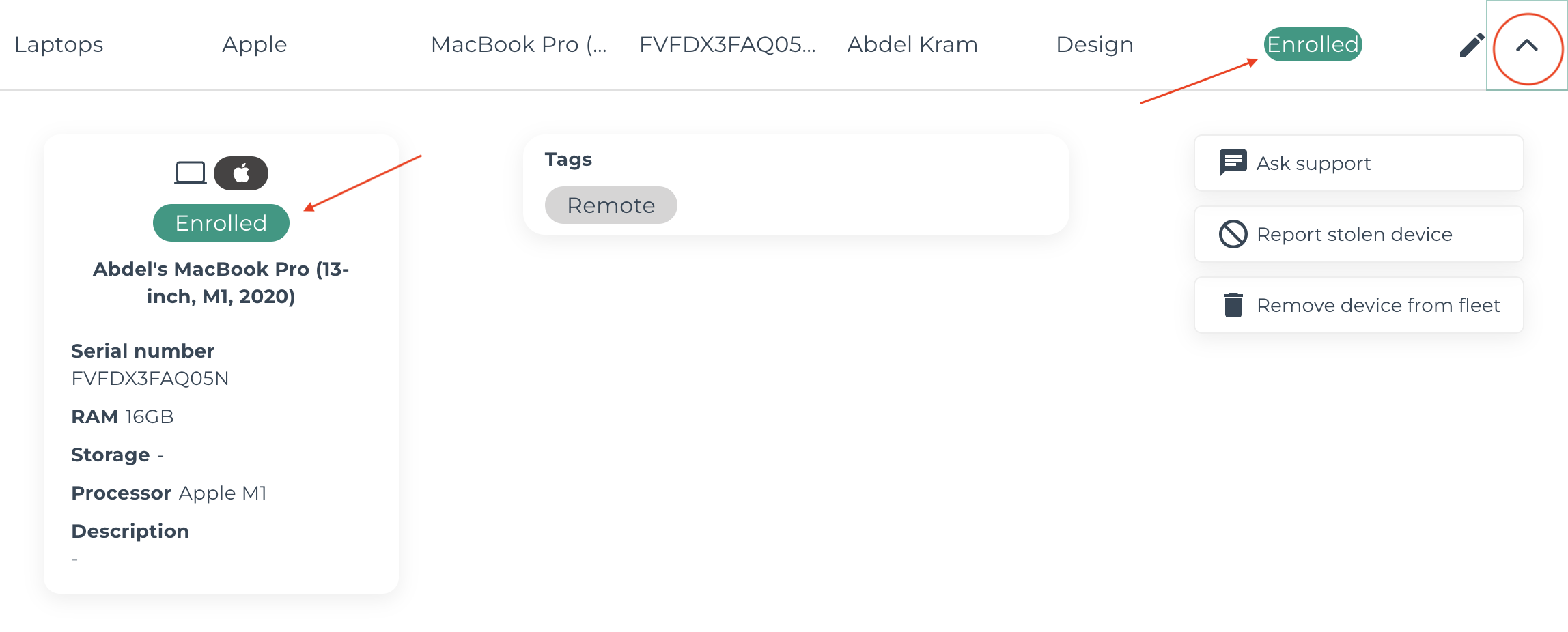
* Note that these are not exclusively MDM statuses